
White-label client portals for agencies, freelancers and MSPs
One branded workspace per client.
Give every client a single place to sign off documents, fill in the brief, approve deliverables, pick up files and see that their sites are up — under your name, logo and colour. Clients get in with a magic link. No passwords.
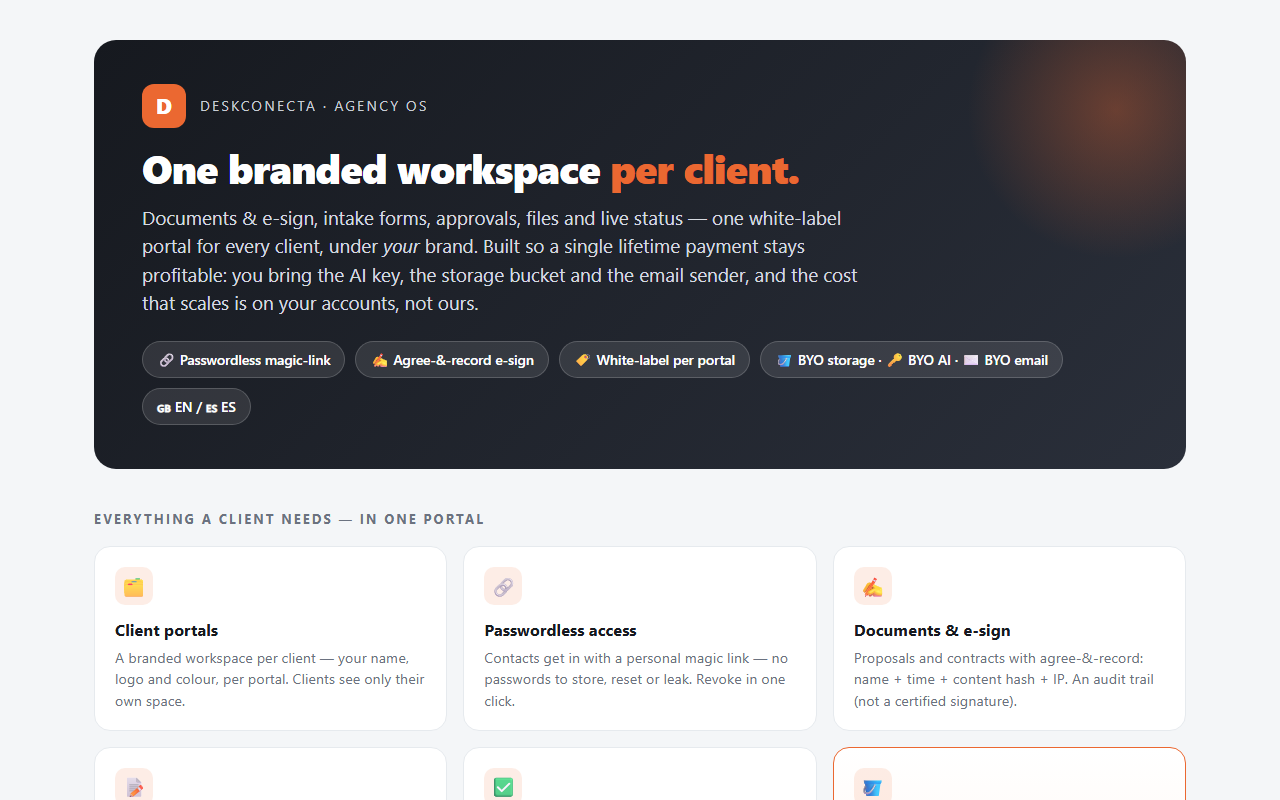
What each client portal holds
The client-facing layer most agencies rebuild by hand in email threads, shared drives and PDF contracts.
Documents with sign-off on the record
Publish a proposal, contract or note. The client records agreement with their typed name, a timestamp, the hash of the exact text and their IP.
Forms and intake
Build a brief or onboarding questionnaire and collect structured answers instead of chasing them over email.
Approvals
Put a deliverable or a link up for approve / reject, with a two-sided comment thread in one place.
Files from your own bucket
Uploads and downloads go straight between the browser and your S3-compatible storage. File bytes never touch our servers.
Status and monitoring
Uptime, SSL, DNS, domain expiry and email-security checks for the client's sites, plus a public status page per client.
AI reports
One-click health reports and incident notices, on your own Claude API key or on prepaid credits.
Sign-off is an auditable record of consent. It is not a certified or qualified electronic signature, and the product says so.
Built so a fair price stays fair
Whatever costs money as you grow runs on your own accounts, so there is no surprise bill from us and no reason for us to cap you.
How you start
- Create a DeskConecta account and choose a plan that includes portals.
- Create a portal for a client and add their contacts. Each contact gets a personal magic link.
- Optionally connect your storage bucket (files), your SMTP sender (branded mail) and your Claude key (AI).
- Withdraw a contact's access at any time by changing their status.
Portals are included in the Professional and Business plans of DeskConecta. The interface is in English and Spanish. Secrets you connect are encrypted and never shown back in full.
Questions
Do my clients need an account or a password?
No. Each contact opens the portal from a personal link you send them. There is no password to store, reset or leak.
Is the sign-off a legal electronic signature?
It is a clear record of who agreed to what and when. It is not a certified or qualified electronic signature. If you need one, use a signature provider for that document.
Where do the files live?
In your own bucket. We keep an index entry (name, size, who uploaded it) and sign short-lived links; the content goes directly between the browser and your storage.
What if I do not connect a bucket, a sender or an AI key?
Documents, forms, approvals and status work without them. Files stay off until a bucket is connected; until a sender is set, you copy each contact's link and send it yourself; AI needs your key or prepaid credits.
Who is behind this?
DeskConecta Cloud, S.L., a company based in Madrid, Spain. Support is by email in English and Spanish.